You built an app with AI. Now make it real.
VibeTools installs sign-in, settings, analytics and backups into the app you already have. Free, in 5 minutes, in your own backend.
From prototype to real app with sign-in tonight.
Or start right now. Paste one line into your AI:
Works with Claude, Codex, Gemini, Grok, Lovable, Cursor, Bolt.new, Replit or v0.
iPhone · Face ID · Vibe Default
- No sign-in
- No backup
- No analytics
- Sign-in
- Settings
- Analytics
- Backup
Three steps. It asks before it builds.
- 1
Paste one line into your AI
Claude, Codex, Cursor, Lovable or any other. Prefer a terminal? Paste the command instead.
- 2
It reads your app and asks what it needs
A plan first, with nothing written. Then a couple of quick setup questions, the best answers already picked.
- 3
Done. Sign-in works.
It installs, checks sign-in end to end, and gives you a one-time code for your admin dashboard.
Here's exactly what will change. Nothing is written during the plan.
- +
public/vibe-id/vibe-id.jssign-in button, in the browser - +
lib/vibe-id/server.mjssign-in checks, on your server - +
lib/vibe-id/instance.mjsusers saved in your Netlify Blobs - +
netlify/functions/vibe-id.mjs/api/vibe-id/* - +
public/vibe-admin/your admin dashboard - +
VIBE-ACCOUNTS.mda guide for your AI - ~
package.json2 packages added
Use the ready dashboard or your own admin?
Nothing is deleted or overwritten.Every change is listed so you can undo it. Want a look first? Add --dry-run.
Real sign-in, in the app you already have. Nothing broken.
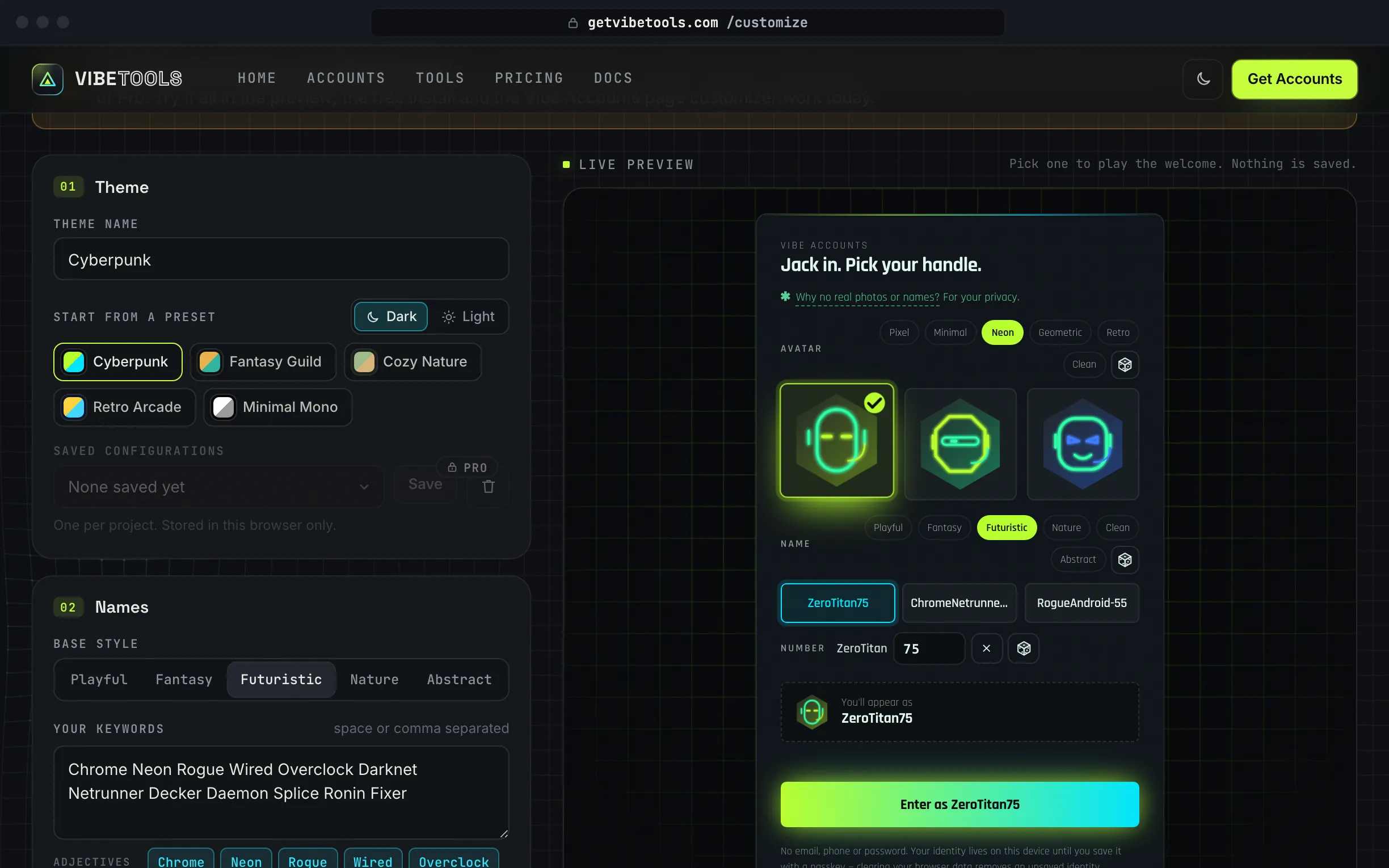
Accounts is free. Passkey sign-in — Face ID / Touch ID, no email, no password — installs into the app you already have, with users stored in your own backend. Pro adds customization: branding, roles, safety levels, retention controls.
- Face ID
- Touch ID
- Windows Hello
- Android screen lock
- Security key
- Passkeys
- Synced: iCloud / Google
Free to use
Free- Passkey sign-in: Face ID, Touch ID, Windows Hello, Android
- Private users with random IDs. No email, no password
- Sessions that keep people signed in
- Account recovery with a spare key
- Reversible install
- Your backend, your data
Pro to customize
Proposed · not on sale- Branded sign-in screen
- Roles & permissions
- Safety levels
- Retention controls
- Faster updates & early access
We don't gate the essentials. Pro to customize.
Your sign-in is never replaced. Accounts only installs where you have none.
Lost phone?
Passkeys live in iCloud Keychain, Google Password Manager or Windows Hello, and sync to a new phone on the same Apple or Google account. Or use your spare key: it signs you in once, then you add a new passkey and make a new key. No email needed. An optional recovery email is planned as a Pro customization, off by default.
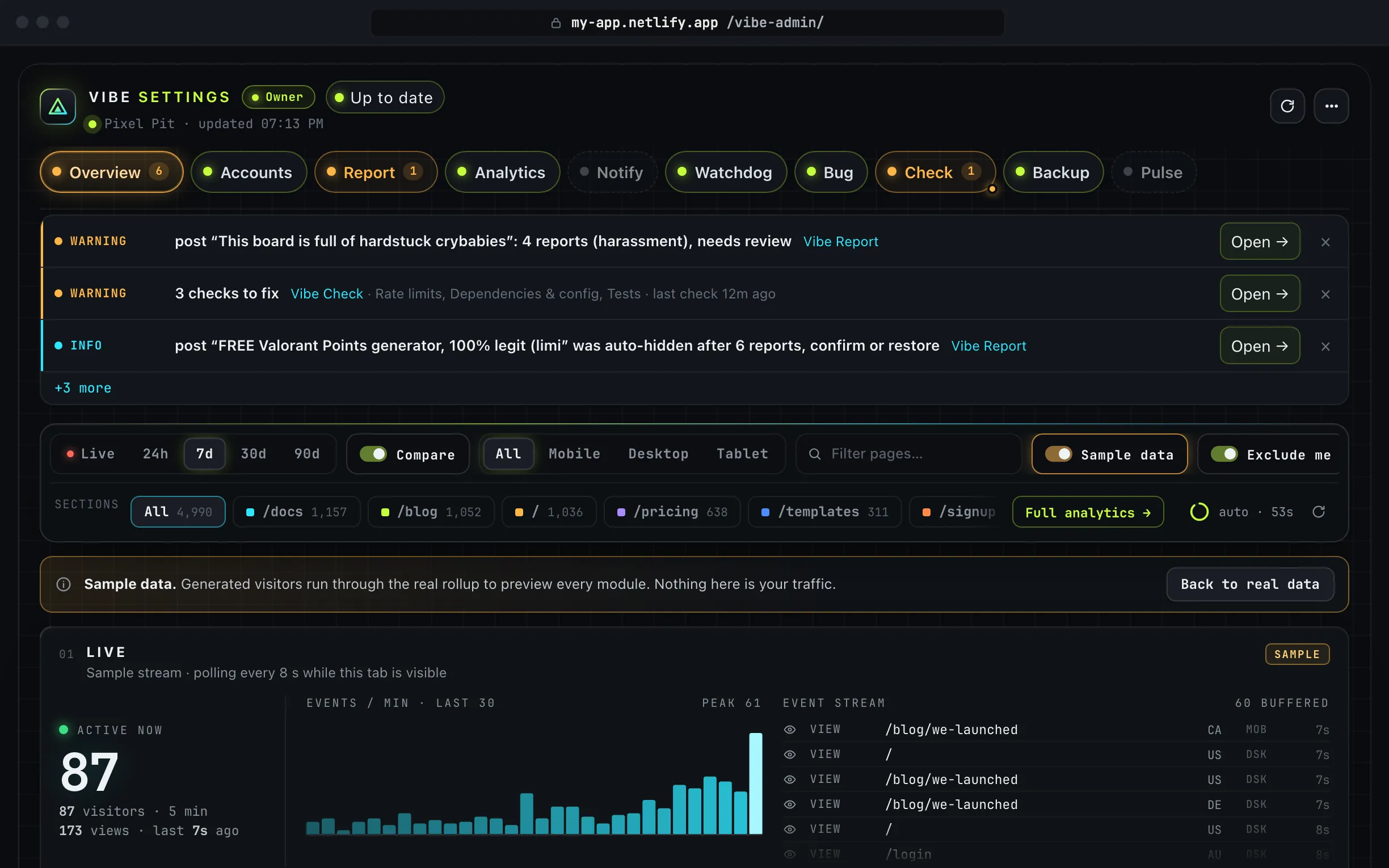
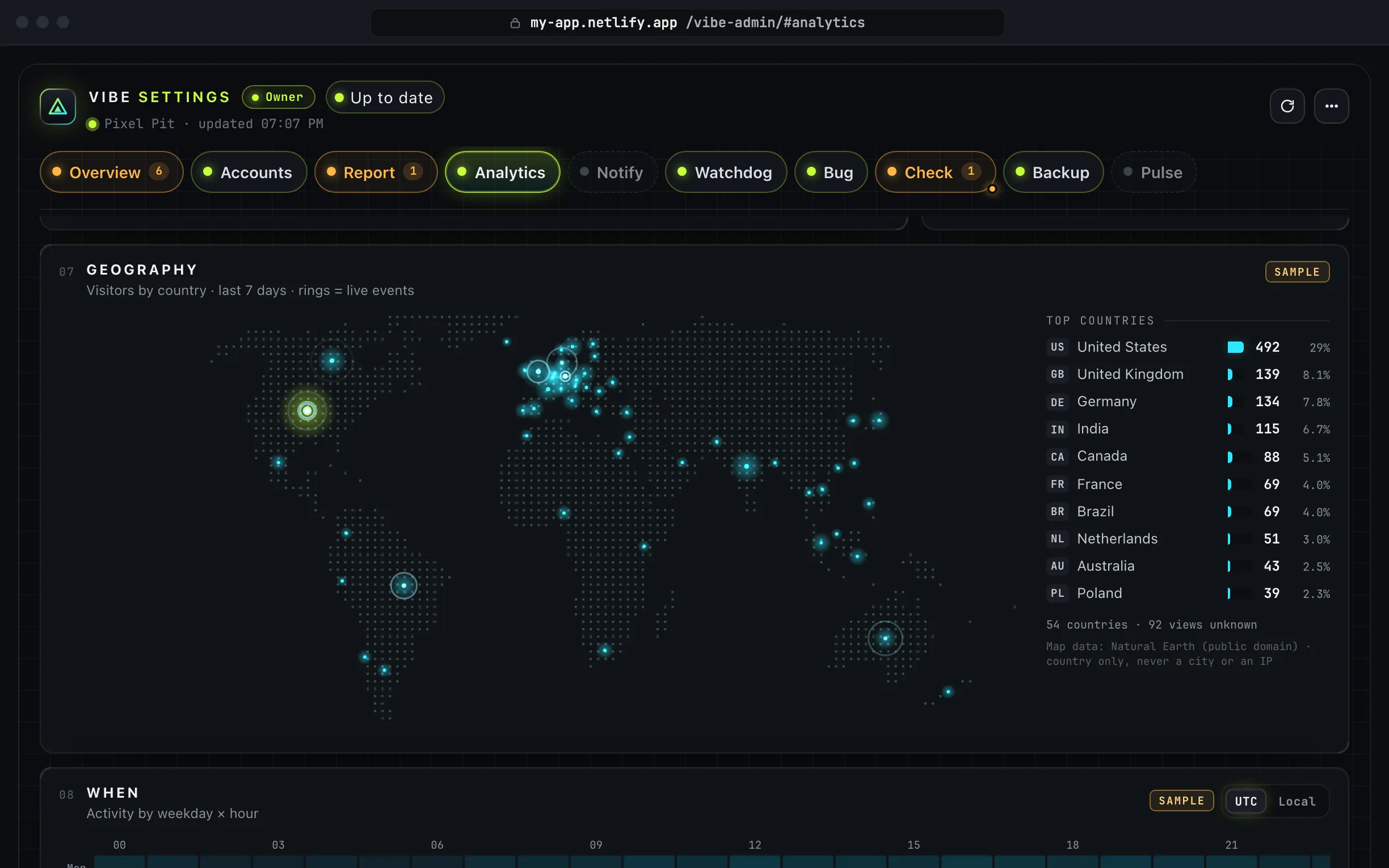
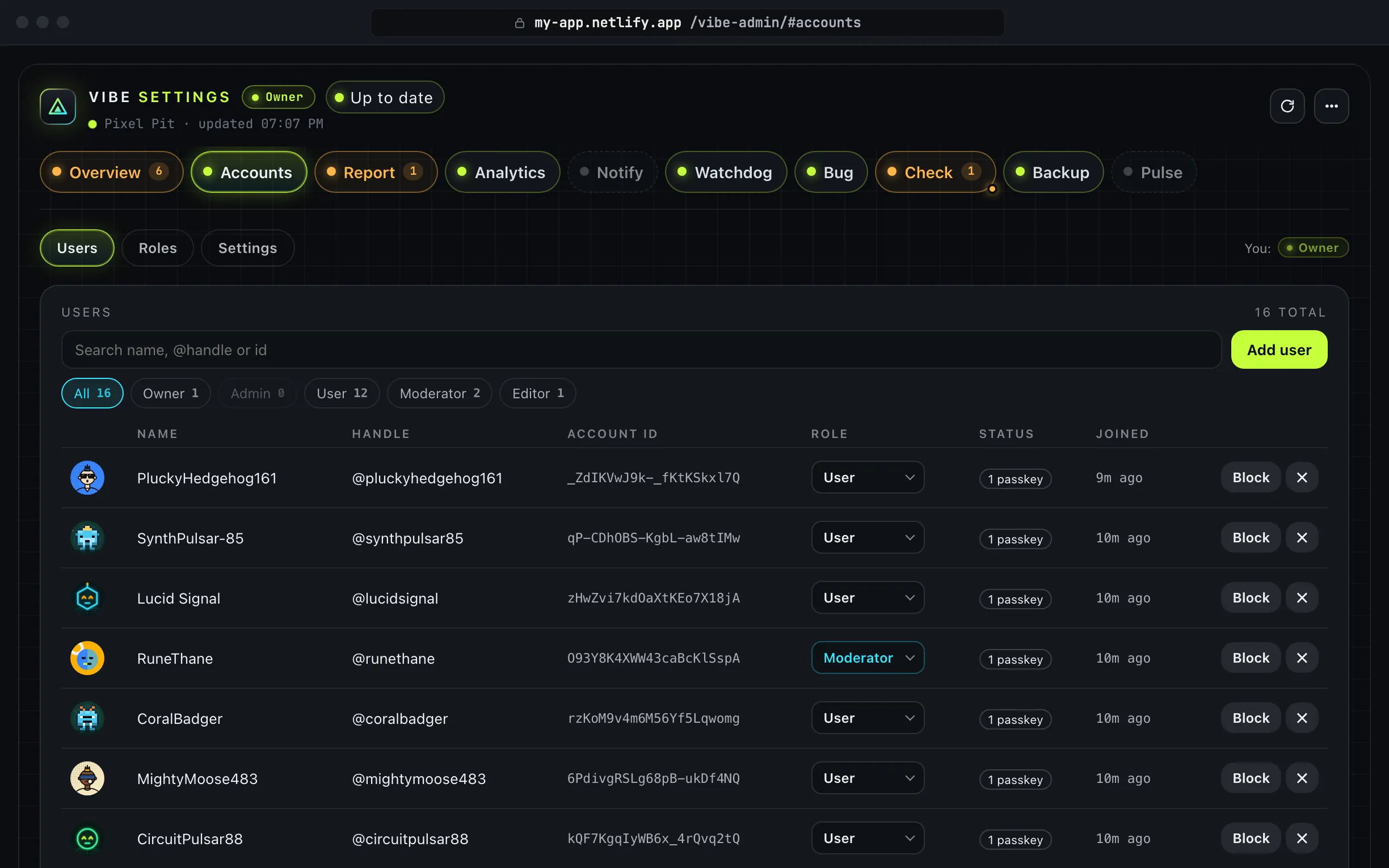
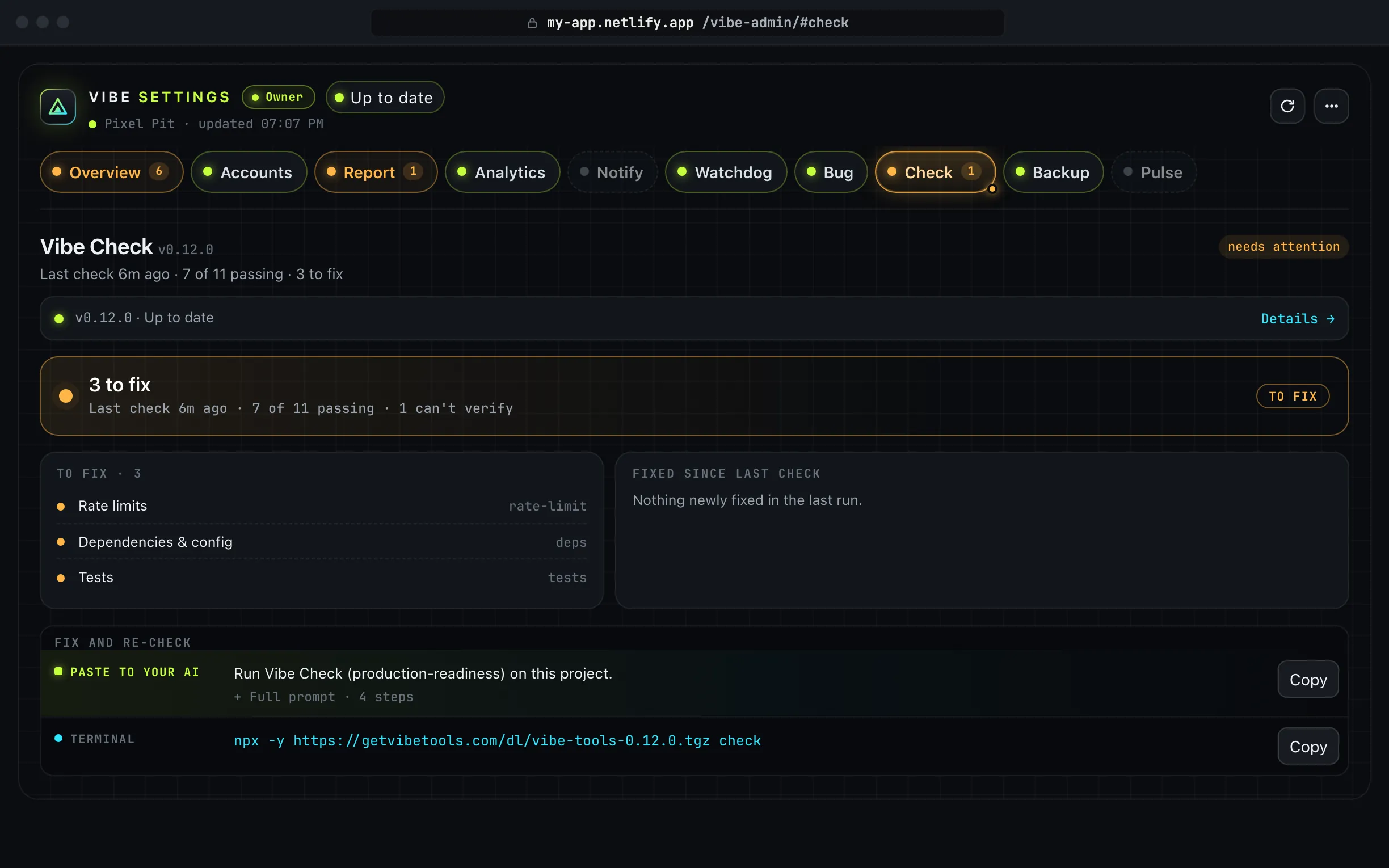
Every tool you add shows up in one dashboard.
Each tool gets its own tab in your admin, on your site. Here's what they look like with sample data.
 Sample data
Overview. Everything that needs you, at the top: posts to review, checks to fix, and who's on your site right now.
9 more tools, when you need them.
Each one installs the same way: one line, a plan first, every change reversible.
See all 19 tools3 in preview · 6 on the roadmap
Preview real commands, early
Roadmap direction only, nothing to install
Before and after. Same app, five minutes apart.
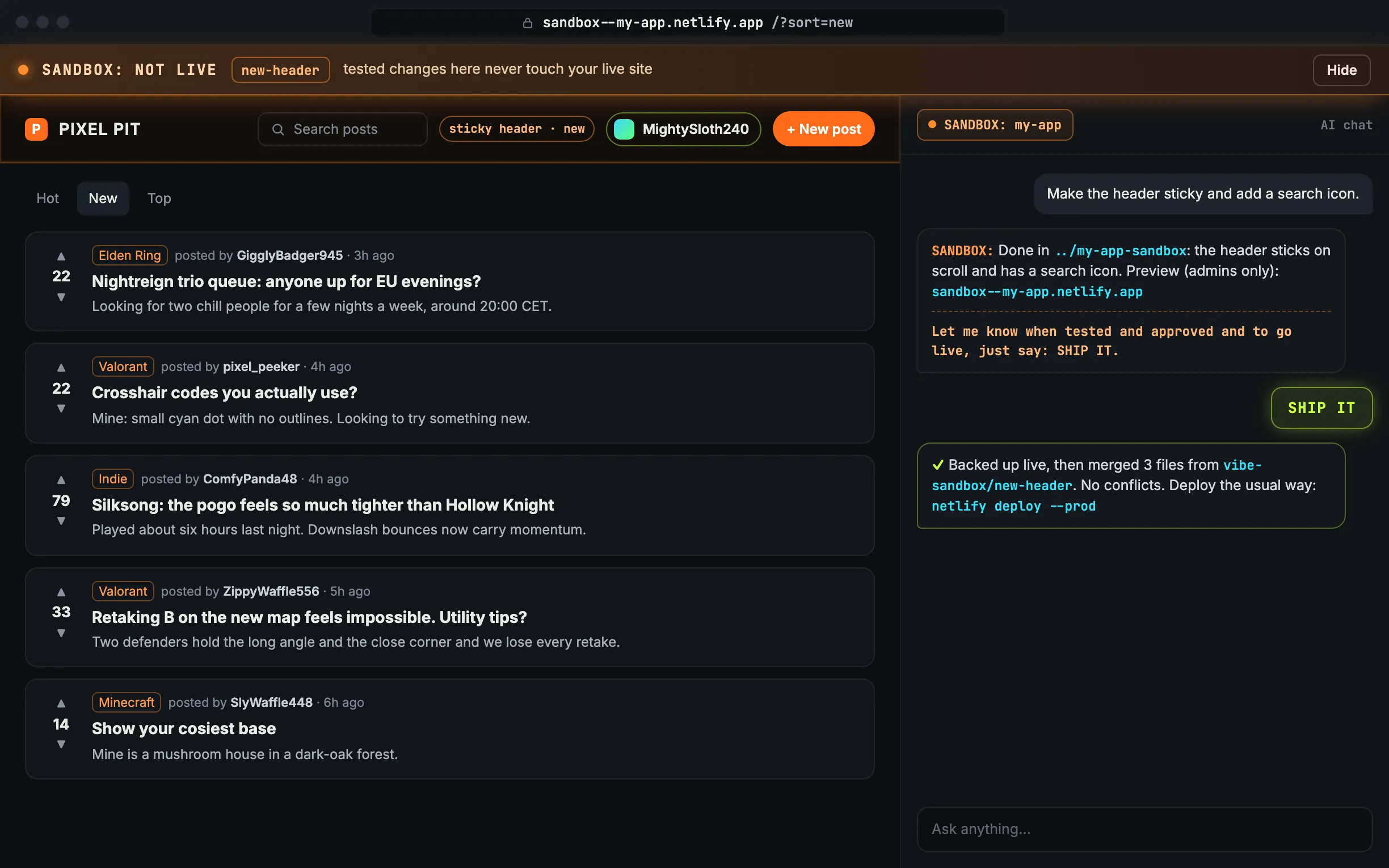
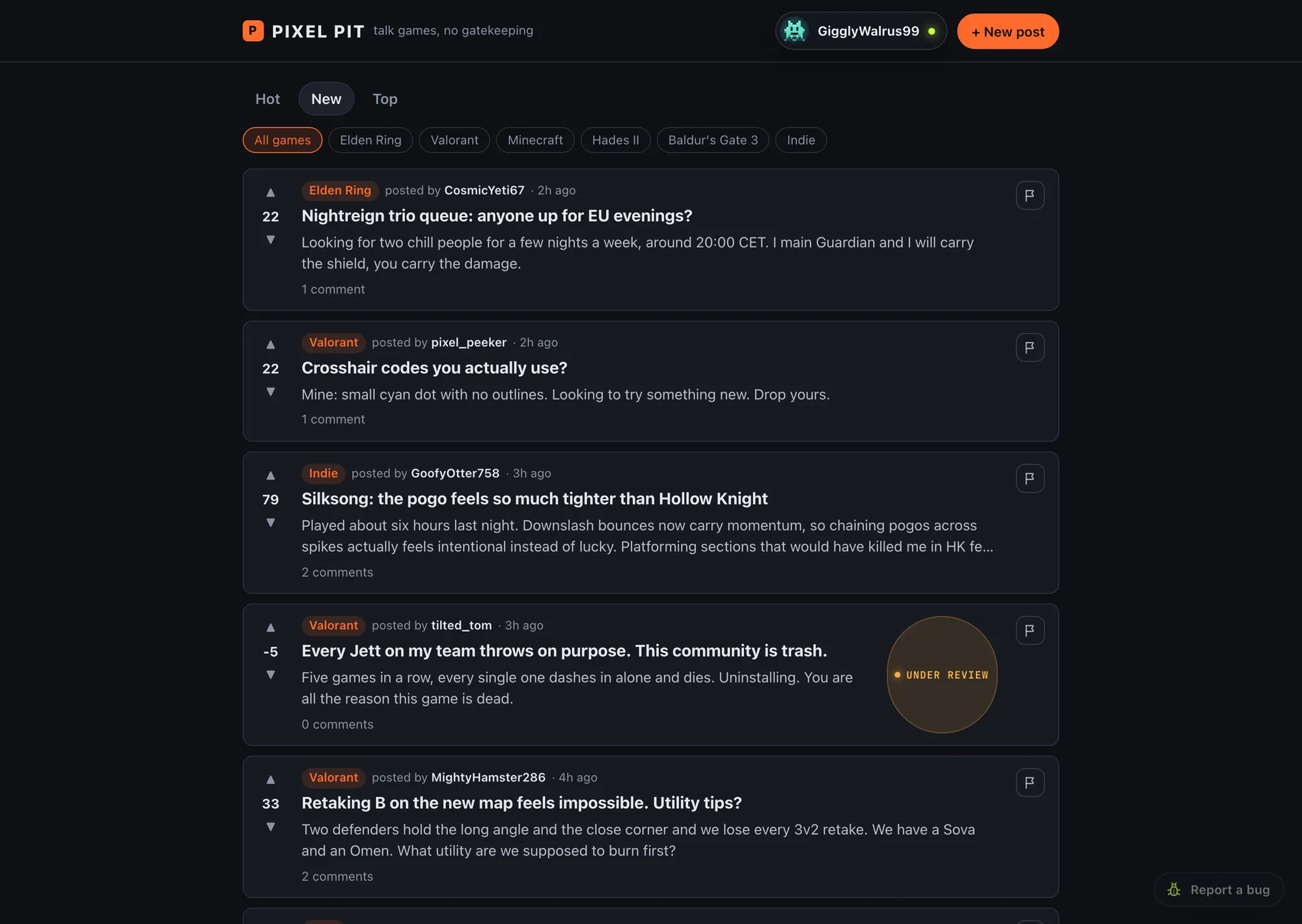
Real screens from Pixel Pit, a small test forum, before and after installing VibeTools. No made-up reviews here: we're pre-release, and we'll show real users when we have them.
Your users see
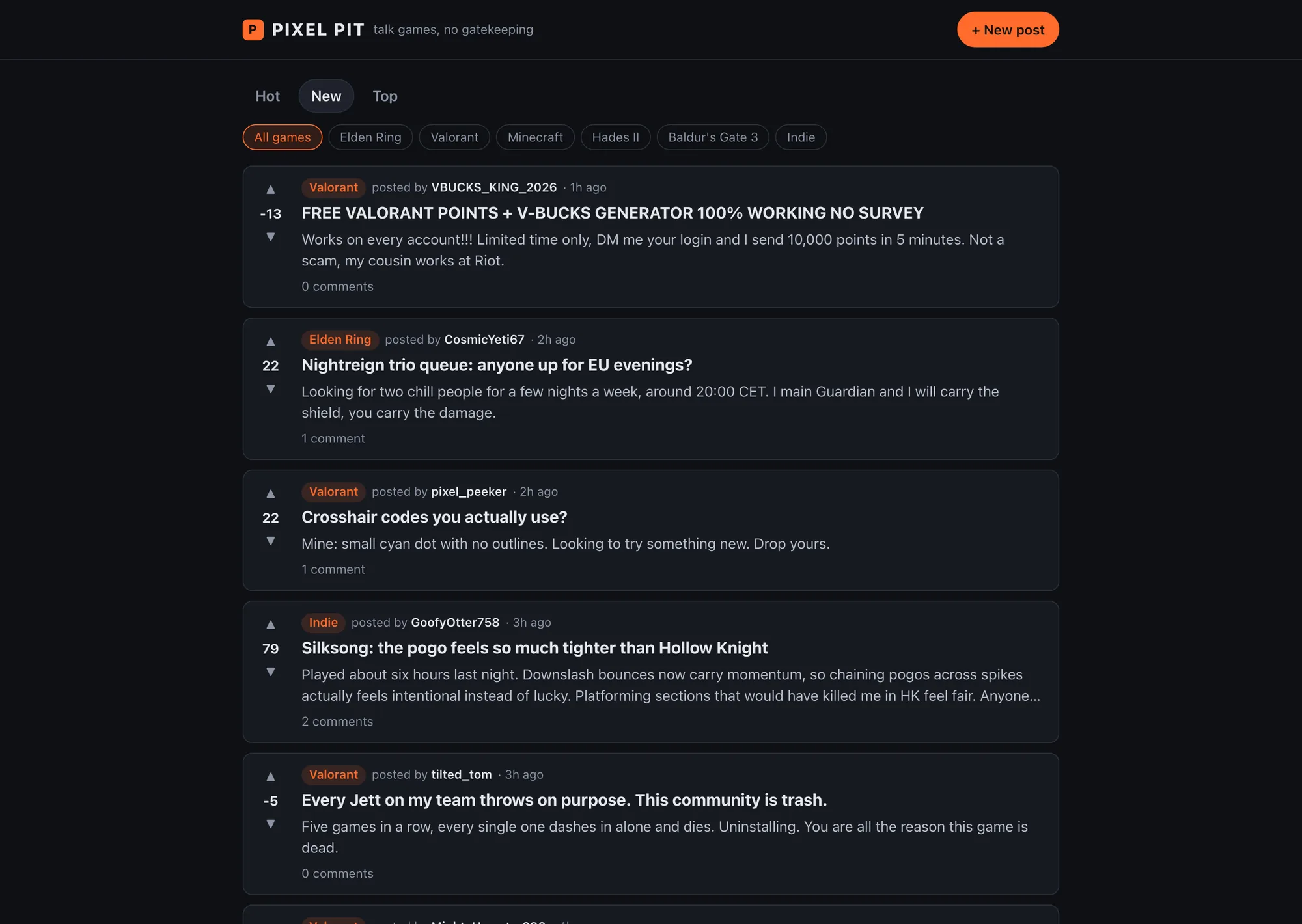
You see
No idea who's there.
Sample data · Pixel Pit test app
Try a live demo app: [DEMO APP LINK - TO BE ADDED]
- Your backend, your data
- No per-user fees
- Plans first, asks before it builds
- Every change reversible
- Nothing phones home unless you turn on Pulse
We don't gate the essentials. Pro to customize.
Key questions.
I already have auth?
Your sign-in is never replaced. Accounts only installs where you have none.
For everything else: We keep what you already have — your sign-in, analytics, error tracking — and connect to it.
I already use Clerk / Sentry / Plausible?
Keep them. Before it writes anything, the installer checks what your app already has. For those tools it keeps yours by default and skips ours. You can choose to run both if you want.
Your sign-in is never replaced. If Clerk is your sign-in, Accounts doesn't install.
Will it break my app?
It's built not to. It shows a plan first and asks before writing anything. Add --dry-run to see the plan with nothing written. If a file already exists, yours is kept and the new version goes next to it.
Nothing of yours is deleted or overwritten, and every change is listed so you can undo it.
Where do my users live?
In your own backend (on a Netlify app, that's your Netlify Blobs). We never see them, and there are no per-user fees. Every user gets a private random ID: no email, no password, no real name needed.
What if someone loses their phone?
Their passkey syncs to a new phone on the same Apple or Google account. Or they use their spare key: it signs them in once, then they add a new passkey and make a new key. The spare key is shown once, and we only keep a one-way fingerprint of it (a hash), never the key itself. Making a new one cancels the old one.
Is it really free?
Yes. Accounts and the other live tools are free to use. Pro (proposed, $9/mo) adds customization. Billing is not live. Nothing can charge you. See pricing.